Edit PDF Existing Text With Our New PDF Editor
our Edit PDF Online tool is built for. It lets you click directly on existing text inside your PDF and edit it in place, the same way you would in a word processor,
Most PDF editors make you choose between two bad options: pay for expensive desktop software you'll use twice a year, or settle for a clunky online tool that only lets you slap a text box on top of your document instead of actually changing what's already there. Neither one solves the real problem, which is that you just need to fix a typo, update a date, or change a line of text in a file you already have.
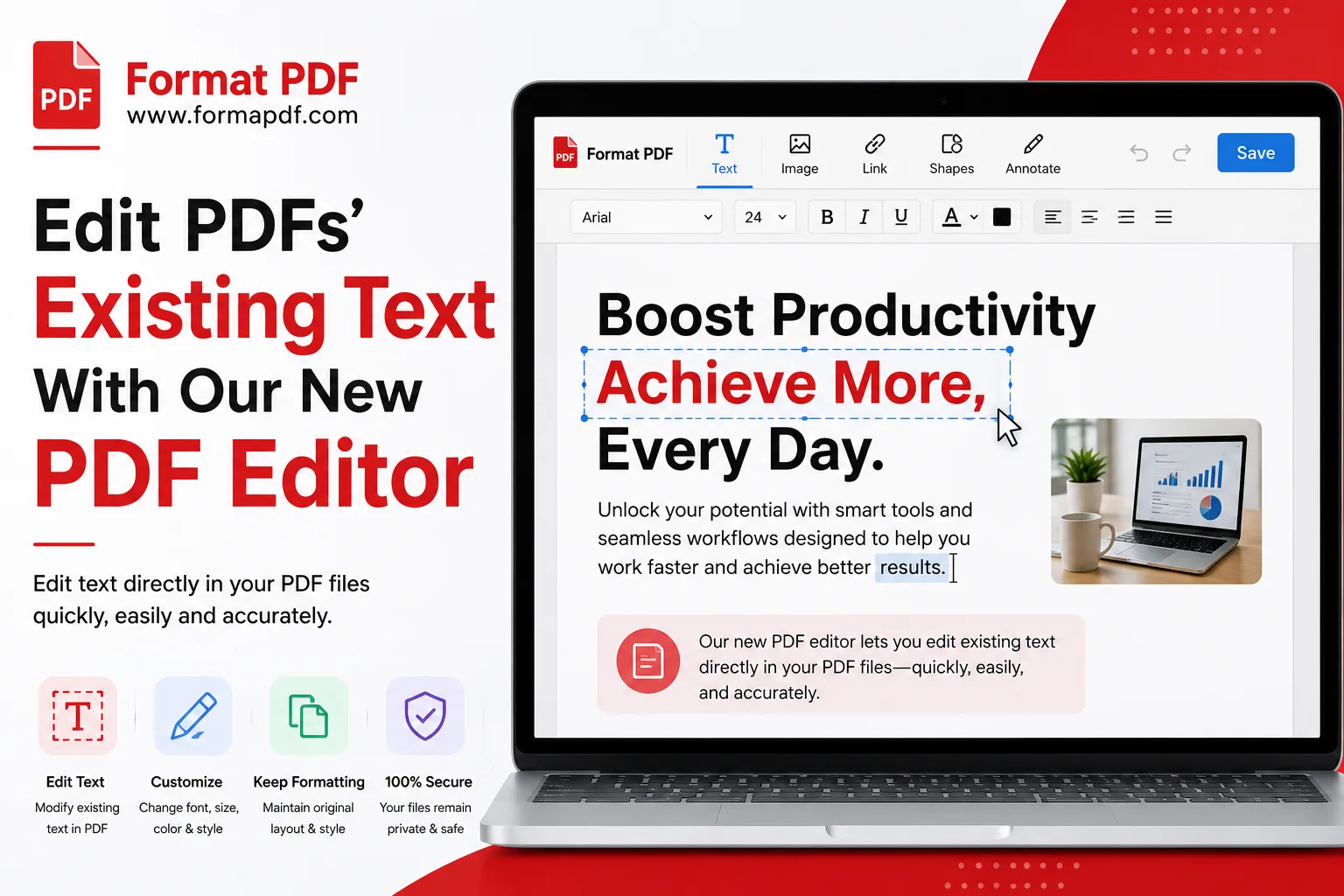
That's what our Edit PDF Online tool is built for. It lets you click directly on existing text inside your PDF and edit it in place, the same way you would in a word processor, without exporting to another format first and without losing your original layout. No installs, no subscriptions, no watching an ad before you're allowed to save your file.
How To Edit Your PDFs With Our New Tool
Getting started takes less time than it takes to explain it.
- Upload your PDF. Head to Edit PDF Online and drop in the file from your computer, phone, or cloud storage.
- Click on the text you want to change. The tool detects existing text blocks, so you can select a line or a paragraph directly rather than building a new box from scratch.
- Type your correction. Fix the typo, update the figure, change the name, whatever needs updating. The surrounding formatting stays where it is.
- Add anything extra if needed. Drop in an image with Add Image to PDF, insert a clickable link with Add a Link to a PDF, or highlight a section using Highlight PDF.
- Download the finished file. Your edited PDF saves in the same format, ready to send, print, or upload wherever it's needed.
If you'd rather sign off on a document instead of editing its text, the same editor connects to Sign PDF, so you can make your changes and add a signature in one pass instead of jumping between tools.
Edit Complex PDFs In A Flash
Simple typo fixes are one thing, but real documents are rarely that tidy. Contracts have multiple columns. Reports mix text with tables and images. Forms have fields scattered across the page in specific spots. A lot of online editors fall apart the moment a document gets even a little complicated.
Our editor is built to handle that without forcing you to rebuild the page from scratch:
- Multi-column and mixed-layout documents keep their structure while you edit specific lines, instead of the whole page shifting around every time you type.
- Tables and forms stay intact, so updating a single cell or field doesn't distort the rest of the page.
- Large files load and edit at a reasonable speed, without the lag you get from some browser-based tools once a document passes a few pages.
- Scanned or image-based sections can be handled separately using tools like PDF to Image if you need to work with them outside the main text editor.
If a document needs more than a few small edits, sometimes the faster route is converting it entirely. PDF to Word turns your file into a fully editable document for heavier rewrites, and Word to PDF converts it back once you're finished. Between the two approaches, quick in-place edits for small fixes and full conversion for bigger rewrites, most people never need to touch a paid desktop app again.
Modify PDFs Secure and Confidentially
Resumes have addresses and phone numbers. Contracts have financial terms. Medical forms have information that shouldn't end up anywhere it doesn't belong. When you're editing documents like these, where the file goes matters just as much as how easy it is to edit.
A few things worth knowing about how your files are handled:
- Files uploaded for editing are processed for the purpose of completing your edit and are not shared, sold, or used for anything beyond that.
- You don't need to create an account or hand over personal details just to fix a document.
- Once you're done, you can add a layer of protection to the finished file. Lock PDF lets you set a password so only people you choose can open it, and if you ever need to remove that protection later, Unlock PDF handles that too.
- If you're sending a sensitive document and want to confirm exactly how it will appear, opening it in our PDF Reader Tool before sharing gives you a final check without any risk of accidentally leaving it editable.
Editing a PDF shouldn't mean choosing between convenience and privacy. With everything running through one straightforward tool, you get both, along with the confidence that your document looks exactly the way you meant it to before it lands in someone else's inbox.

Qasir Mehmood
CEO / Co-Founder
Format PDF helps users handle their documents with confidence. From converting files to editing, merging, splitting, compressing, and securing PDFs, our online tools are designed for speed, quality, and convenience. Founded by Qasir Mehmood, CEO, we continue to build solutions that save time and improve productivity.